
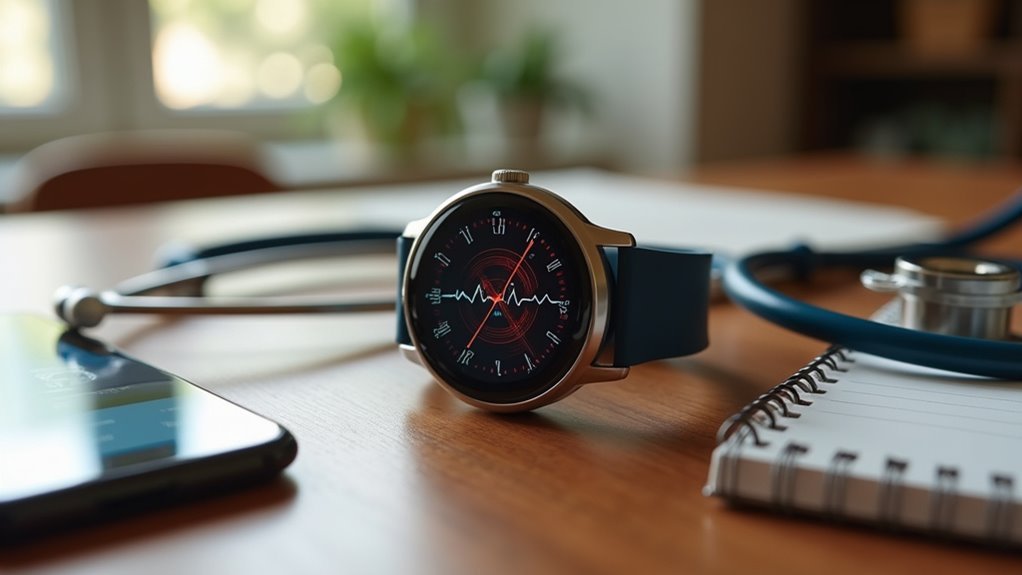
You’ll need an ECG-enabled smartwatch like Apple Watch Series 4+ or Samsung Galaxy Watch4+ that’s approved in your region. Confirm your smartphone has Bluetooth 4.0+ and pair it with the required account setup. Keep both devices updated with latest firmware and apps, then prepare clean, dry skin for ideal sensor contact. Position the watch slightly above your wrist bone and stay completely still during 30-second recordings. Understanding these compatibility essentials will help you access your device’s full cardiac monitoring potential.
Choose ECG-Enabled Smartwatch Models Only
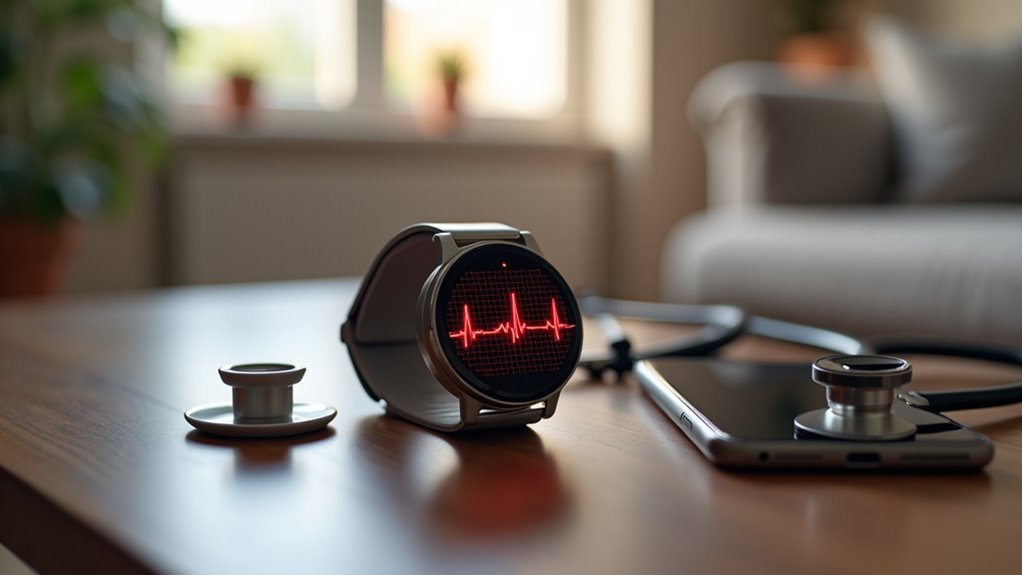
When selecting a smartwatch for ECG monitoring, you’ll need to focus exclusively on models that include built-in ECG functionality, as standard fitness trackers and basic smartwatches can’t perform electrocardiogram readings.
The Apple Watch Series 4 through 10 offers proven ECG apps with 30-second recordings.
Samsung’s Galaxy Active 2, Watch3, Watch4, Watch5, Watch6, and Watch7 series all feature ECG capabilities.
You’ll also find ECG monitoring in the Fitbit Sense 2, various Garmin models like the D2 Mach 1 Pro and fēnix 7 Pro series, plus Google’s Pixel Watch 3.
These devices can detect atrial fibrillation and integrate ECG data with smartphone apps, enabling you to share results with healthcare providers for thorough heart health monitoring. Consider your phone compatibility requirements when choosing an ECG-enabled smartwatch, as some models work optimally only with specific mobile operating systems.
Check Regional Availability Before Purchase
Where can you actually use your smartwatch’s ECG feature?
You’ll need to verify regional availability before purchasing since ECG functionality requires country-specific regulatory approvals as a medical device.
Apple Watch ECG remains limited by region, while Samsung Galaxy Watch now supports 50+ countries, recently adding six Gulf nations in October 2024.
Samsung Galaxy Watch leads ECG availability with 50+ countries supported, while Apple Watch ECG access remains more geographically restricted.
Garmin’s ECG App expanded to EU countries and Australia as of 2025.
Don’t assume you can bypass restrictions by changing device settings—geolocation and firmware automatically block unsupported regions.
Some Samsung models only activate ECG if purchased in approved countries.
Check each manufacturer’s official support pages for current regional lists, as availability changes with new approvals.
Traveling to unsupported regions can disable your ECG access entirely. Apple Watch International Emergency Calling requires Series 5 GPS + Cellular or later models for travelers needing emergency services abroad.
Pair Your Smartwatch With Compatible Smartphone

You’ll need to establish a stable Bluetooth connection between your smartwatch and smartphone to enable ECG functionality and data syncing.
Start by completing your account setup using the manufacturer’s required service – whether it’s your Samsung account, Apple ID, or Google account – as this activation step is essential for ECG app access.
Once you’ve enabled Bluetooth 4.0 or later and properly configured your account, your devices can communicate effectively for seamless ECG monitoring and data transfer. For Garmin users, verify your device meets the minimum software version requirements, which vary by model from version 5.02 to 15.77.
Enable Bluetooth Connection
Before your smartwatch can access ECG functionality, you’ll need to establish a stable Bluetooth connection between your watch and compatible smartphone.
Start by enabling Bluetooth on your phone, then activate your smartwatch’s pairing mode to make it discoverable.
Launch your device’s native wearable app—Galaxy Wearable for Samsung or the equivalent for your brand.
Your smartwatch should appear automatically in the available devices list. If it doesn’t, use the manual search option to locate nearby devices.
Select your watch model from the list and follow the on-screen pairing instructions. Most smartwatches use secure Bluetooth protocols for connection.
Ensure your wearable app is updated for peak compatibility. The ECG feature requires compatible devices such as Galaxy Watch Active2, Watch3, or Watch4 paired with a Galaxy phone running Android 7 or later.
Once paired successfully, you’ll receive a confirmation message indicating your devices are ready for ECG setup.
Complete Account Setup
With Bluetooth connectivity established, setting up your account and completing the smartphone pairing process activates your smartwatch’s full ECG capabilities.
You’ll need to create a profile through your manufacturer’s dedicated app—Samsung Health Monitor for Galaxy devices, Garmin Connect for Garmin watches, or Apple’s Health app for Apple Watch. Install the ECG app on both your smartphone and smartwatch, then follow the prompts to complete your profile setup with personal health information.
Ensure your smartphone runs the required OS version and has necessary permissions for background data exchange. The ECG feature is supported across multiple countries including Argentina, Australia, Brazil, Canada, France, Germany, and the UK, with recent expansion to Middle Eastern markets like Bahrain, Oman, Kuwait, Yemen, and Qatar.
You’ll perform an initial guided measurement to calibrate sensors and verify everything’s working properly. Keep both devices updated and maintain regular syncing to preserve ECG functionality and data accuracy.
Update Firmware and Apps to Latest Versions
Keeping your smartwatch firmware and companion apps current forms the foundation of reliable ECG functionality. Your device needs compatible firmware versions—Samsung Galaxy Watch4 requires WearOS 4.0 or higher for ECG features.
Firmware updates typically roll out in batches, so you’ll need patience when waiting for your device’s turn.
Update your companion apps like Samsung Health Monitor or Fitbit through official app stores. These updates enhance ECG analysis capabilities and fix performance bugs. Some users may need to wait up to 24 hours for the ECG setup option to become available after completing updates.
Confirm you’ve got sufficient storage space on both your watch and phone before downloading updates.
- Check for firmware updates weekly through your smartwatch settings
- Download companion apps only from official stores like Galaxy Store
- Verify your phone meets OS requirements (Android 9 Pie minimum)
- Restart and re-pair devices if connectivity issues persist after updates
Understand Single-Lead ECG Limitations

You’ll need to recognize that your smartwatch captures only a single-lead ECG, which differs markedly from the extensive 12-lead ECGs used in clinical settings.
This limitation means you can’t expect your device to diagnose heart attacks, locate specific heart problems, or detect all types of arrhythmias that a full medical ECG would reveal.
Your smartwatch excels at identifying rhythm issues like atrial fibrillation, but it’s not designed to replace professional cardiac monitoring for complex heart conditions. Clinical studies show that smartwatch ECG algorithms achieve a 94.4% sensitivity for detecting atrial fibrillation when compared to standard 12-lead ECGs in hospital settings.
Clinical ECG Differences
Although smartwatch ECGs offer convenient heart rhythm monitoring, they can’t match the diagnostic power of clinical 12-lead ECGs due to fundamental technical limitations.
Your single-lead device captures electrical activity from just one cardiac vector, while hospital ECGs map your heart’s electrical patterns across multiple anatomical perspectives for thorough 3D analysis.
- Limited diagnostic scope – You’ll miss certain arrhythmias and conduction abnormalities that require specific lead views to detect
- Higher false readings – Expect approximately 7% false-positive rates and increased risk of missed diagnoses compared to clinical ECGs
- Reduced sensitivity – Your device performs better for rhythm screening than definitive cardiac evaluation
- Signal quality issues – You’ll encounter more artifacts and noise without multiple electrodes for cross-reference validation
The diagnostic accuracy gap becomes critical during cardiac emergencies, where time-sensitive decisions depend on comprehensive electrical activity assessment that single-lead devices cannot provide.
Detection Capability Limits
Single-lead ECG technology in smartwatches creates specific detection boundaries that directly impact your device’s ability to identify various cardiac conditions.
Your watch can’t capture the full frequency range of traditional ECGs, potentially missing subtle cardiac issues that require thorough monitoring. The single-lead design limits available information, making it difficult to identify structural heart abnormalities that multi-lead systems would detect.
You’ll find that atrial fibrillation detection works well under ideal conditions, but accuracy drops during very fast heart rates or when motion artifacts interfere with signal quality. Recording adequate-quality ECGs significantly improves diagnostic reliability, with studies showing much better agreement between specialists when signal quality meets proper standards.
Your device may misinterpret normal heart rhythm variations as arrhythmias due to biological variability. Electrode placement on your wrist affects signal quality compared to traditional chest placements, and hardware specifications vary between different smartwatch models, influencing recording accuracy.
Position Your Device Correctly on Your Wrist
While many factors influence ECG accuracy, proper device positioning on your wrist serves as the foundation for reliable readings.
You’ll need to place your smartwatch slightly above your wrist bone to enhance electrode contact with underlying blood vessels. Make sure the band fits snugly without being too tight, and avoid positioning the device too close to your wrist joint where movement artifacts can interfere with readings.
Key positioning tips for ideal ECG readings:
- Select the correct wrist in your ECG app settings to align with your heart’s electrical axis
- Rotate the watch face slightly toward your body to improve sensor-skin contact and signal strength
- Keep your arm supported and still during measurements to prevent motion artifacts
- Ensure consistent band tightness so the watch doesn’t shift during daily activities
Remember that factors such as user physiology, posture, and device characteristics can all influence the accuracy of AFib detection, making proper positioning techniques essential for optimal performance.
Maintain Clean and Dry Skin Contact
You’ll need to remove any oils, lotions, or moisturizers from your wrist before taking an ECG reading since these substances can interfere with the sensor’s ability to detect electrical signals.
After swimming, showering, or washing your hands, make sure you completely dry the area where your smartwatch contacts your skin.
Clean both your watch’s sensor surfaces and the surrounding skin regularly to prevent buildup that could compromise reading accuracy. Poor contact conditions can result in an inconclusive reading that may require you to retake the ECG measurement.
Remove Oils and Lotions
Before attempting an ECG reading with your smartwatch, remove any oils, lotions, or moisturizers from your skin. These substances create barriers that interfere with electrical signals and reduce reading accuracy. Your smartwatch’s ECG app requires direct, liquid-free contact to function properly.
Clean skin guarantees ideal electrode contact and signal clarity. Use alcohol wipes or similar astringents to effectively remove oils and lotions from the contact areas. This preparation reduces skin resistance, allowing clearer electrical signals to reach your device’s sensors.
You’ll also minimize motion artifacts that can compromise your ECG recording quality. Proper skin preparation ensures your smartwatch can effectively monitor heart activity just like other personal ECG devices.
- Use alcohol wipes to thoroughly clean wrist and finger contact points
- Allow skin to dry completely before starting your ECG reading
- Remove all skincare products from electrode contact areas
- Maintain consistent skin preparation for accurate readings across sessions
Dry After Water Exposure
Water exposure greatly compromises your smartwatch’s ECG accuracy by creating moisture barriers between sensors and skin.
Before using ECG apps, you’ll need to thoroughly dry your skin to prevent inaccurate readings. Check your device’s water resistance rating – if it’s not designed for water activities, remove it during swimming or bathing.
After any water contact, pat your skin completely dry before reattaching the watch. Moisture interferes with the electrical signals sensors need to detect heart activity accurately. Even minor dampness can cause significant reading errors.
Extreme temperatures and high humidity affect skin moisture levels, so adjust your monitoring strategy accordingly. Research has shown that varying temperature and humidity conditions can significantly impact sensor performance and data accuracy.
During physical activity, manage sweat buildup by periodically drying the contact area. This simple step guarantees ideal sensor performance and reliable ECG data collection.
Clean Sensor Surfaces Regularly
Since dirt, oils, and residue accumulate on your smartwatch’s sensor surfaces during daily wear, maintaining clean contact points becomes essential for accurate ECG readings.
Clean sensors guarantee peak electrical conductivity between your skin and the device, preventing interference that could compromise your health data.
Establish a regular cleaning routine to maintain sensor performance and extend your smartwatch’s lifespan. Power off the device before cleaning to avoid unintended button presses during the process.
Clean sensors also guarantee better compatibility with your ECG app, reducing errors and improving overall functionality.
- Use a microfiber cloth with mild soap and water to gently clean sensor surfaces without damaging sensitive components
- Apply isopropyl alcohol solutions for stubborn oils and residue that regular cleaning can’t remove
- Avoid harsh chemicals that could damage your watch’s materials or compromise sensor accuracy
- Clean after workouts when sweat and dirt accumulation is highest
Stay Still During ECG Measurements
While smartwatch ECG technology has made heart monitoring more accessible than ever, you’ll get the most accurate readings when you remain completely motionless during measurements. Movement creates electrical interference and artifacts that can distort your ECG signals, potentially masking critical cardiac abnormalities like atrial fibrillation or other arrhythmias.
| Movement Impact | Consequences |
|---|---|
| Signal interference | Distorted heart rhythm readings |
| Movement artifacts | Reduced diagnostic confidence |
| Physical motion | Compromised data reliability |
You’ll notice that most ECG apps specifically recommend staying still for good reason. When you move during measurements, you’re introducing variables that can complicate data analysis and reduce the accuracy of heart rate detection. For conditions requiring precise monitoring, maintaining proper positioning and staying stationary guarantees your smartwatch captures the clearest possible cardiac signals. Remember that ECG readings should complement professional medical care rather than serve as a complete replacement for comprehensive cardiac evaluation.
Enable Automatic Software Updates
Keeping your smartwatch ECG app updated automatically guarantees you’re always running the most accurate and secure version available.
Updates enhance ECG functionality by incorporating improved algorithms for better arrhythmia detection, particularly atrial fibrillation monitoring. They also strengthen security by patching vulnerabilities and upgrading encryption methods that protect your sensitive health data.
Regular ECG app updates deliver advanced arrhythmia detection algorithms and robust security patches to safeguard your personal health information.
Enabling automatic updates guarantees your device meets compatibility requirements and maintains consistent ECG readings.
You’ll benefit from enhanced user interface improvements, better integration with other health monitoring tools, and optimized battery performance for continuous heart monitoring. Regular updates also prevent software bugs from disrupting signal processing over time, ensuring your device maintains its diagnostic accuracy.
- Enhanced accuracy – New algorithms improve arrhythmia detection capabilities
- Stronger security – Regular patches protect your health data from vulnerabilities
- Better integration – Seamless connectivity with healthcare providers and other devices
- Improved performance – Optimized battery life and smoother app functionality
Verify Regulatory Clearance in Your Location
Before using your smartwatch’s ECG feature, you must confirm it has proper regulatory approval in your country. Different regions have varying regulatory bodies—the FDA oversees approvals in the US, while CE marking indicates compliance in Europe.
ECG apps are typically classified as Class II medical devices, requiring stringent safety demonstrations.
Apple and Fitbit have received FDA 510(k) clearance for their ECG features in the United States. However, clearance doesn’t guarantee availability everywhere. Some countries may require prescriptions for ECG functionality, while others offer over-the-counter access.
Check your smartwatch manufacturer’s website for region-specific regulatory information. You’ll find regulatory numbers and product codes confirming legitimate approval.
Don’t assume global availability—verify your location’s specific clearance status before relying on ECG readings for health decisions. The 510(k) process requires companies to demonstrate safety and effectiveness compared to legally marketed devices.
Frequently Asked Questions
Can I Share My Smartwatch ECG Data Directly With My Doctor?
You can share your smartwatch ECG data with your doctor through health apps like Samsung Health Monitor. Your smartphone acts as a gateway, transmitting the data to healthcare providers via cloud connections.
How Long Does Battery Life Last When Using ECG Features Regularly?
Regular ECG use moderately impacts battery life. You’ll see minimal drain with occasional readings, but multiple daily sessions add up. Most smartwatches handle this efficiently, maintaining days to weeks of usage.
Will My Smartwatch ECG Work if I Have a Pacemaker Installed?
You shouldn’t use your smartwatch’s ECG app with a pacemaker, as it may interfere with your device’s function. Consult your cardiologist before using any ECG features to guarantee safety.
Can I Take ECG Readings for Family Members Using My Smartwatch?
You can’t take ECG readings for family members using Apple Watch Family Setup since ECG functionality isn’t available. You’d need each person to have their own paired iPhone for ECG features.
What Should I Do if My ECG Reading Shows Irregular Rhythm?
You should consult a healthcare professional immediately to confirm the diagnosis. Don’t rely solely on your smartwatch reading. Schedule an appointment for a clinical ECG verification and discuss potential symptoms.
In Summary
You’ll maximize your smartwatch ECG app’s performance by following these essential compatibility tips. Don’t forget to verify your device’s regulatory clearance and regional availability before purchasing. Keep your firmware updated, maintain proper skin contact, and remain still during readings. Remember that single-lead ECGs have limitations, so they’re not replacements for medical-grade equipment. With proper setup and usage, you’ll get reliable ECG readings for better heart health monitoring.


Leave a Reply