You’ll find that top blood oxygen tracking apps vary greatly in accuracy and features across platforms. Apple’s Blood Oxygen App integrates seamlessly with Apple Watch for real-time monitoring, while Android options like Oxygen Level Tracker lack wearable connectivity. Most apps offer continuous SpO2 monitoring, heart rate integration, and smart notifications when levels drop below safe thresholds. However, smartphone-based apps generally lack clinical accuracy due to hardware limitations. Understanding these key differences will help you choose the best option for your specific needs.
Platform Compatibility and Device Support
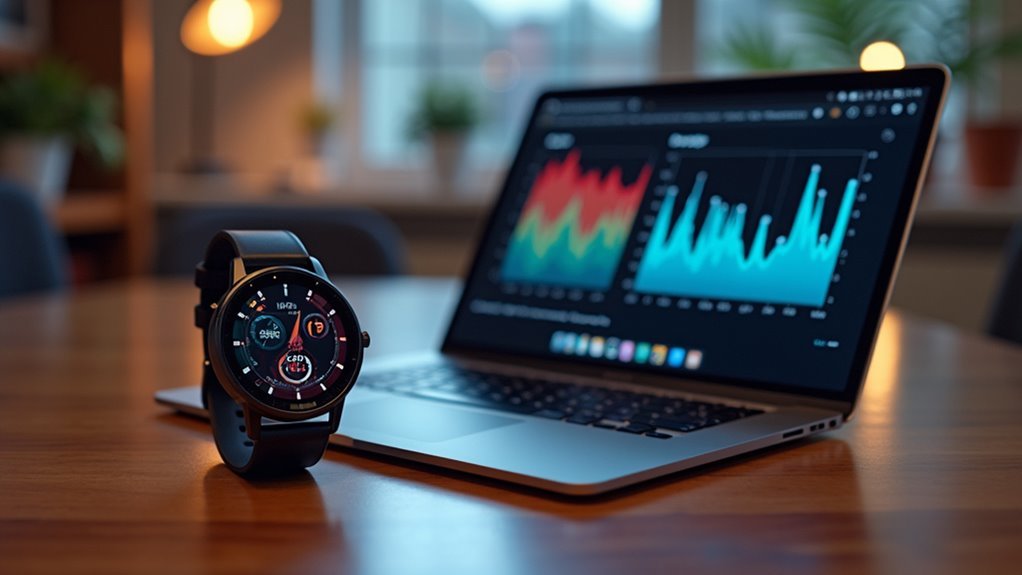
When choosing a blood oxygen tracking app, you’ll find that most target both iOS and Android platforms, though feature availability varies considerably depending on your operating system.
Apple’s Blood Oxygen App integrates seamlessly with Apple Watch, providing synchronized data and alerts, but you’re restricted to the iOS ecosystem.
Android users can access apps like Oxygen Level Tracker across various smartphones, though you’ll often miss wearable integration for real-time measurements.
Your device compatibility depends heavily on hardware requirements, limiting some apps to specific models or OS versions. Apps like the Blood Oxygen App require iOS 14.0 or later for iPhone compatibility.
Samsung Galaxy smartphones like the S9 and S10 series offer embedded biosensors with preloaded clinical-grade apps.
However, platform policy changes can affect availability—newer Apple Watch models have seen oxygen monitoring apps removed or replaced, potentially disrupting your monitoring routine.
Core Blood Oxygen Monitoring Features
Blood oxygen monitoring apps deliver their primary value through four essential feature categories that directly impact your health tracking experience.
Continuous monitoring provides real-time SpO2 levels throughout day and night, with accuracy varying considerably between camera-based estimates and apps linked to medical-grade pulse oximeters or smartwatches.
You’ll find extensive data logging stores historical readings, enabling trend analysis and easy export to PDF formats for sharing with healthcare providers.
Integration capabilities combine blood oxygen tracking with heart rate monitoring and sleep analysis, offering insights into cardiovascular health and detecting issues like sleep apnea. Many apps also include box breathing features to help users manage stress alongside their vital sign monitoring.
Smart notification systems alert you when readings drop below safe thresholds, though real-time alerts typically require paired wearable devices rather than phone cameras alone.
Additional Health Metrics and Tracking Capabilities
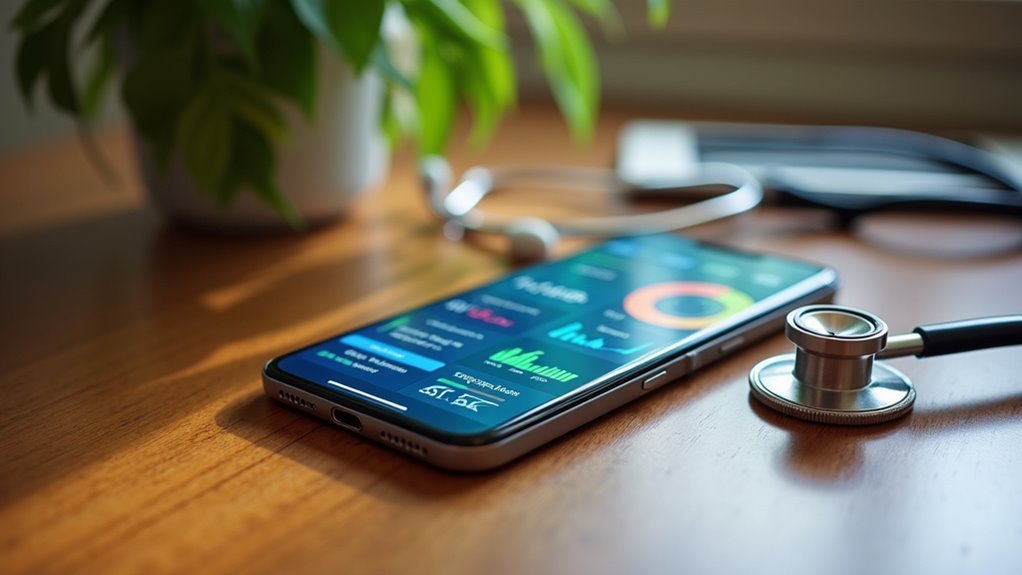
Beyond basic SpO2 measurements, modern blood oxygen tracking apps expand their utility by incorporating extensive cardiovascular and wellness monitoring capabilities.
Today’s blood oxygen apps deliver comprehensive health monitoring that extends far beyond simple SpO2 readings into complete wellness tracking.
You’ll find thorough heart rate variability analysis that gauges your stress and recovery levels, while instant alerts notify you of abnormal readings for timely awareness. These apps don’t directly measure blood pressure but allow manual entry with trend visualization over time.
Key additional tracking capabilities include:
- Respiratory Health Monitoring – Automated breathing rate tracking during sleep and guided breathing exercises for relaxation
- Sleep and Temperature Analysis – Sleep reports and skin temperature variations when paired with compatible devices
- Integrated Health Dashboards – Multi-metric views combining SpO2, heart rate, blood pressure, and sleep data for thorough wellness insights
Everything syncs with Apple Health for centralized management. Many apps provide PDF format sharing capabilities, allowing users to easily generate comprehensive health reports for medical consultations or personal record-keeping.
Apple Watch Integration and Real-Time Alerts
You’ll find that modern blood oxygen tracking apps offer seamless synchronization with your Apple Watch, automatically transferring your health data without manual intervention.
These apps feature sophisticated alert systems that’ll immediately notify you when your oxygen levels drop below safe thresholds or when other critical health metrics require attention. Medical professionals increasingly use Apple Watch data as preliminary indicators for further evaluation and testing by specialists.
Your Apple Watch becomes a powerful health monitoring device that can potentially save your life by delivering real-time warnings during physical activities or daily routines.
Seamless Watch Syncing
When you’re monitoring your blood oxygen levels throughout the day, seamless integration between your tracking app and Apple Watch transforms how you stay informed about your health metrics.
The Series 6 and later models automatically sync SpO2, heart rate, and HRV data with your iPhone’s companion app, requiring minimal intervention once you’ve completed the initial setup.
Here’s what seamless syncing delivers:
- Automatic Data Transfer – Your Apple Watch continuously feeds blood oxygen readings to paired health apps without manual input.
- Multi-Device Access – Switch between your iPhone and Apple Watch interfaces while maintaining complete data continuity.
- Centralized Health Storage – All metrics automatically sync with Apple HealthKit, consolidating your health parameters in one accessible location.
This integration eliminates the hassle of manual data entry while ensuring your health information stays current across all devices. Normal blood oxygen readings typically fall within the 95% to 100% range, helping you identify when your levels deviate from healthy baselines.
Critical Alert Systems
Blood oxygen tracking apps excel at more than just data collection—they actively protect your health through sophisticated alert systems that notify you the moment your SpO2 levels drop below safe thresholds.
These critical systems integrate seamlessly with Apple Watch and external pulse oximeters, delivering real-time notifications directly to your wrist or smartphone via Bluetooth connectivity.
You’ll receive immediate alerts during sleep monitoring when oxygen levels indicate potential breathing issues.
Advanced apps like OxyKnight provide high-resolution pulse oximetry with customizable alert thresholds, preventing alert fatigue while ensuring you don’t miss dangerous drops.
The systems track pulse rate alongside oxygen levels, offering thorough cardiovascular monitoring. Many applications include box breathing exercises to help manage stress and improve overall respiratory wellness.
You can export alert data as PDFs for healthcare consultations, making these apps invaluable tools for proactive health management and early intervention.
User Interface Design and Experience
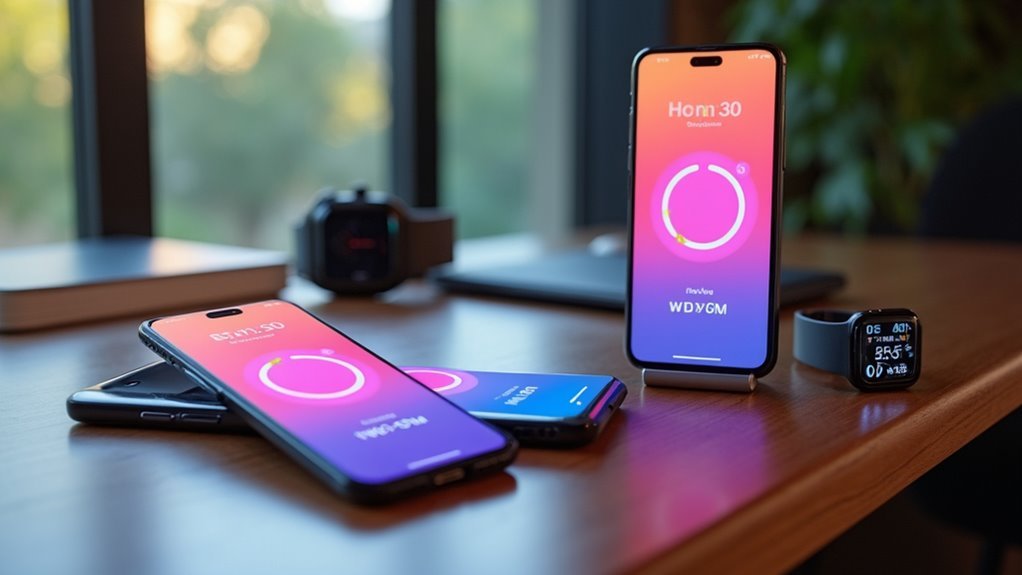
When you’re choosing a blood oxygen tracking app, you’ll find that the best ones prioritize a simple setup process that gets you monitoring your health within minutes.
The apps display your oxygen saturation data through clear visual charts and graphs that make it easy to spot trends and understand your readings at a glance. Modern solutions like SmartVitals deliver results through facial scanning technology that provides comprehensive health metrics including oxygen saturation without requiring any additional hardware.
You’ll also appreciate intuitive navigation and accessibility features that let you quickly access different functions without struggling through complicated menus.
Simple Setup Process
Since Apple’s Blood Oxygen app requires specific hardware compatibility, you’ll need an Apple Watch Series 6 or later (or Apple Watch Ultra) paired with an iPhone 6s running the latest iOS to begin setup.
Apple streamlines the process through your iPhone’s Health app, which guides you through each step during first launch. The onboarding prompts handle age verification (you must be 18 or older) and permissions for health data access.
If you don’t see the initial prompt, you can access setup through the Health app’s Browse tab.
The setup process includes three key steps:
- Age confirmation – Verify you’re 18 or older to access the feature
- Permission management – Grant access for health data and background readings
- Manual opt-in – Choose whether to enable automatic background measurements
The app installs automatically once setup completes. While Apple’s approach requires dedicated hardware, researchers have demonstrated that smartphones can potentially detect blood oxygen levels using deep-learning algorithms that analyze data from built-in cameras and flash components.
Visual Data Display
Apple’s Blood Oxygen app transforms raw sensor data into intuitive visual displays that make tracking your health metrics straightforward.
You’ll see real-time charts and graphs presenting your blood oxygen and heart rate data through color-coded thresholds that instantly highlight normal versus abnormal readings. The app uses vertical bars and line graphs to display trends across hours, days, or weeks, while interactive touchpoints let you examine detailed data at specific moments.
You can toggle between daily, weekly, or monthly views and filter data by activities like sleep or exercise. The synchronized display shows simultaneous blood oxygen and heart rate measurements, giving you thorough health insights.
Tooltips explain sudden changes, while the minimalistic dashboard guarantees quick comprehension through easy-to-read fonts and high-contrast design elements. For users requiring medical-grade measurements, it’s important to note that FDA-cleared pulse oximeters provide the accuracy necessary for clinical monitoring and health management decisions.
Navigation and Accessibility
While visual clarity remains essential for health monitoring, effective navigation and accessibility features determine whether you’ll consistently use your blood oxygen tracking app.
Top apps prioritize intuitive home screens with minimalistic designs, letting you access SpO2 and heart rate data within seconds. You’ll find straightforward menu structures with clearly labeled tabs and gesture-based navigation for seamless swiping between health trends.
Essential accessibility features include:
- Visual accommodations – High contrast color schemes, adjustable font sizes, and VoiceOver compatibility for users with visual impairments
- Multi-sensory alerts – Notifications combining visual, haptic, and audio cues to guarantee you never miss critical oxygen level warnings
- Motor accessibility – Large buttons, clear icons, and simplified interfaces designed for users with varying physical capabilities
These features guarantee everyone can monitor their health effectively. Leading apps offer cross-platform availability on both Android and iOS devices, ensuring accessibility regardless of your mobile operating system preference.
Accuracy Technologies and AI Implementation
Although blood oxygen tracking apps have become increasingly popular, their accuracy varies considerably depending on the underlying technology and implementation.
Different devices show varying performance levels – the Apple Watch Series 7 tends to overestimate SpO2 readings, while Garmin’s Venu 2s frequently underestimates compared to clinical-grade devices like the Masimo MightySat Rx.
AI implementation is transforming blood oxygen tracking by enhancing data analysis and adjusting for factors like skin tone.
You’ll benefit from AI’s ability to provide personalized insights based on your specific data patterns, with algorithms that improve accuracy over time through machine learning.
However, smartphone apps generally aren’t accurate enough for clinical use due to device compatibility issues and lack of standardization in measurement protocols. Studies show that measurement success rates vary significantly across different smartwatch models, with missingness rates ranging from 11% to 31%.
Health Data Integration and Sharing Options
Blood oxygen tracking apps excel when they seamlessly integrate with broader health ecosystems, transforming isolated measurements into extensive health profiles.
You’ll find top apps connecting with Apple HealthKit and Google Fit, automatically syncing your SpO2 data alongside heart rate and other essentials for thorough monitoring.
Key integration features to prioritize:
- EHR compatibility – Apps that share data with healthcare providers enable real-time monitoring and preventive care based on your continuous health metrics.
- Cross-platform syncing – Look for bidirectional data exchange that reads and writes oxygen saturation data across multiple devices and platforms.
- Flexible sharing options – Choose apps offering PDF reports, secure family sharing, and data export capabilities while maintaining strong privacy protections.
You’ll want apps that balance seamless connectivity with robust security measures protecting your sensitive health information. These comprehensive health views can aid healthcare providers in early diagnosis and more effective treatment planning for respiratory and cardiovascular conditions.
App Store Ratings and User Feedback
When evaluating blood oxygen tracking apps, you’ll discover that user ratings reveal essential insights about real-world performance beyond marketing claims.
The “Blood Oxygen App” on Apple’s App Store receives mixed reviews, with users praising its Apple Watch integration and SpO2 monitoring ease.
Android’s “Oximeter & Heart Rate Monitor” stands out with over 100,000 downloads and positive feedback for its multi-parameter tracking capabilities.
You’ll find that apps offering extensive health metrics consistently rank higher than single-function alternatives. Users particularly value real-time notifications, seamless HealthKit integration, and intuitive interfaces.
However, common concerns include accuracy limitations with camera-based measurements and battery drainage from continuous monitoring.
Most reviewers emphasize these apps shouldn’t replace medical-grade devices for clinical decisions.
Medical Limitations and Professional Guidance
Despite their convenience and widespread availability, blood oxygen tracking apps face significant medical limitations that restrict their clinical utility.
Blood oxygen apps offer convenience but lack the medical precision required for reliable clinical decision-making.
These apps typically measure oxygen saturation within a narrow range of 95% to 100%, insufficient for thorough clinical assessment. You’ll find they often provide inaccurate readings, particularly at lower oxygen levels where precision matters most.
Healthcare professionals strongly advise against relying solely on these apps for monitoring serious health conditions like COVID-19.
Here’s what you should understand about their limitations:
- Technical Constraints: Apps rely on smartphone flash and camera lighting, lacking the sophisticated sensors found in medical-grade pulse oximeters.
- Regulatory Gaps: Most apps aren’t FDA-reviewed or approved for medical use.
- Clinical Inadequacy: They can’t substitute for arterial blood gas analysis or other diagnostic tools. Apps only reflect oxygenation, not ventilation, making them incomplete for comprehensive respiratory assessment.
Consider them fitness tools, not medical devices.
Frequently Asked Questions
How Much Battery Life Do These Blood Oxygen Apps Typically Consume?
You’ll find blood oxygen apps consume varying battery life depending on monitoring mode. Continuous tracking reduces battery to 4-11 days, while manual checks extend it to 20+ days on most devices.
Can These Apps Work Offline Without Internet Connectivity?
You’ll find mixed offline capabilities among blood oxygen apps. Android’s Blood Oxygen & Temperature App works completely offline, while most iOS apps require internet connectivity for syncing with Apple Health and full functionality.
What Happens to My Health Data if I Delete the App?
Deleting health apps doesn’t automatically erase your data. Apple Health and Samsung Health retain information until you manually delete it through settings. Third-party apps vary—some keep data indefinitely unless you delete your account.
Are There Subscription Fees or Premium Features in These Apps?
You’ll find mixed pricing models among blood oxygen apps. Some offer free versions with basic features, while others charge one-time fees like $4.99 for pro versions or require subscriptions for premium tracking capabilities.
Do These Apps Work During Physical Exercise or Movement?
You’ll find these apps work poorly during exercise since movement creates artifacts that reduce accuracy. Most require you to stay still for reliable readings, though some smartwatches handle motion better than phone-based apps.
In Summary
You’ll find that choosing the right blood oxygen tracking app depends on your specific device, accuracy needs, and health goals. While these apps offer convenient monitoring and useful insights, you shouldn’t rely on them for medical diagnoses. You’ll get the best results by considering compatibility, features, and user reviews, but always consult your healthcare provider for serious health concerns or irregular readings.